

How Can You Tell When a Vape Battery Needs Charging?
Leave a message
Knowing when to charge your vape battery helps maintain consistent performance and avoid unexpected interruptions. Here are three common signs to watch for.

1. Check the Battery Indicator
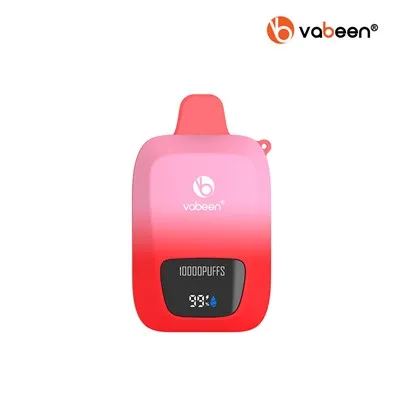
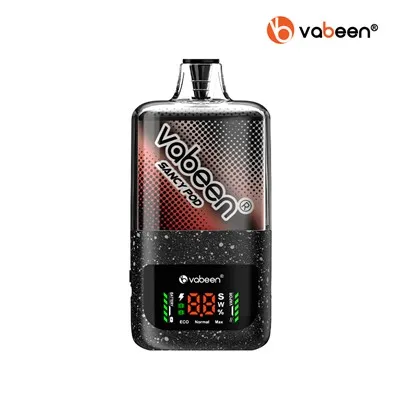
Many rechargeable vape devices use LED lights or a screen to display battery status. A low-battery warning or a nearly empty battery icon usually means it is time to recharge. Indicator colors and flashing patterns vary by model, so check the user manual for accurate information.
2. Look for Changes in Performance
If your device produces less vapor than usual, stops working, or flashes repeatedly during use, the battery may be running low. However, these symptoms can also indicate other issues, so check the device instructions before assuming it needs charging.
3. Follow Safe Charging Practices
When the battery is low, use a compatible charging cable and follow the manufacturer's instructions. Avoid charging a damaged or unusually hot device, and disconnect it when charging is complete as directed.

Battery Indicators on Vabeen Devices
Vabeen offers different device designs to suit different preferences. For example, the Vabeen Cyber Flex features a 3.4-inch ultra-large screen, providing a clear interface for device information. Always refer to the specifications and user manual of your chosen model to understand its battery indicators and charging requirements.
Final Tip: Check your battery status regularly and recharge your device when needed. Understanding your device's signals is a simple way to maintain a more reliable vaping experience.